





Android Users Must Watch! 3 Settings to Lock Your Phone and Protect Against Banking Apps Scams (Latest Update)
ထုတ်ဝေသည့်ရက်: ၂၀၂၆ ဇွန် ၁၂ · သတင်းခန်း · 3 မိနစ်ဖတ်ရန်
မာတိကာ
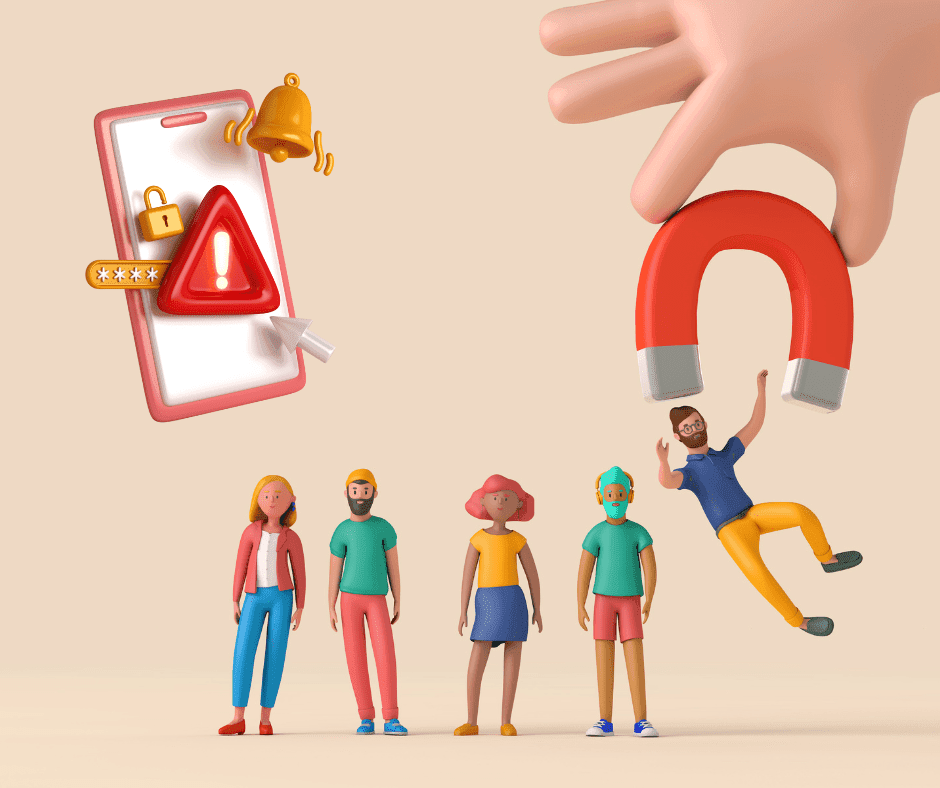
Recently, call center gangs and money-draining apps have been spreading rapidly at an alarming rate. Many people wake up in the morning shocked to find their bank accounts emptied to 0, even though their phones were right beside them. The root cause is "dangerous malware" sneaking into our Android system to take control.
These days, just telling yourself "I won't click on strange links" might not be enough anymore. Cybercriminals are getting smarter every day. Today, we’ve gathered 3 ways to lock down your phone and block money-draining apps that you can follow in just 1 minute to secure your hard-earned money.
🛡️ 3 Steps to Lock Android and Protect Mobile Banking from Hackers
1. Close the Front Door: Disallow "Install Unknown Apps"
Scammers usually trick us into downloading .APK files via web browsers or chat apps to implant malware into our devices.
- General Settings: Go to Settings > Security > Turn off "Install unknown apps".
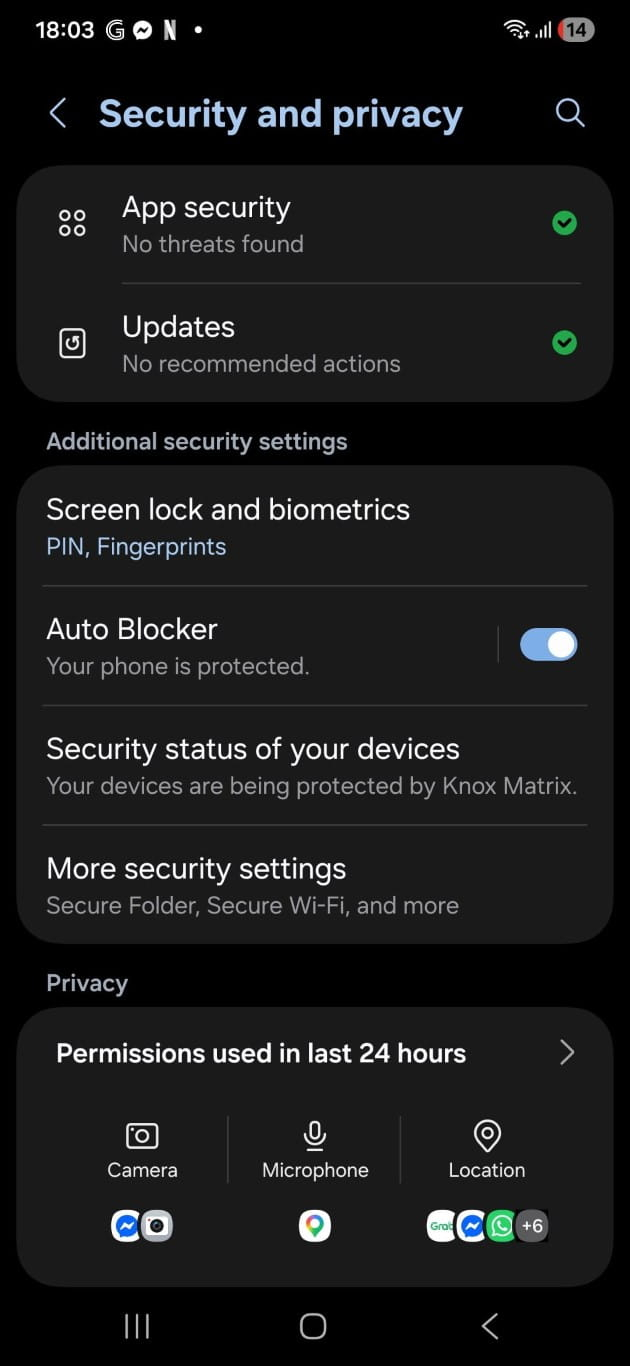
- For Samsung Users (One UI 6 and above): This menu is strictly locked by the Auto Blocker system, which is highly secure when turned on. However, if you want to inspect each app individually, go to Settings > Security and Privacy > Auto Blocker > Temporarily turn it off. Then, go back to switch off the permission for risky apps like Chrome or LINE to stop them from installing other software.
2. Cut the Remote Connection: Check the Accessibility Service
This is the most dangerous gateway of all! If a malicious app gets "Accessibility" permission, hackers can control your screen and execute money transfers remotely, just like an invisible hand operating your phone.
- How to check: Go to Settings > Accessibility > Installed apps.
- Action required: Carefully inspect the list of apps. If you spot any unfamiliar apps or something you didn't download yourself, tap on it and change the status to "Off" immediately.
3. Update the OS and Never Click Links Blindly
- Software Updates: Keep your Android OS and banking apps updated to the latest version to patch security vulnerabilities that hackers could exploit.
- Awareness: Never click on links attached to SMS or chats from strangers under any circumstances, even if they claim to be government officials (e.g., Land Department, Police, or Electricity Authority). These organizations never send links asking citizens to add them on LINE or download apps.
💡 Wouldn’t it be better to have an "Expert" guard your home 24/7?
No matter how cautious we are, mistakes can happen. Wouldn't it be better if you didn't have to stress about it every single day, and instead let a world-class security system like Bitdefender Total Security act as your ultimate shield?
Bitdefender is backed by the PC Mag Editor's Choice award for 3 consecutive years and passed the AV-TEST with a perfect 100% malware detection score. Here are its key features designed to safeguard your money:
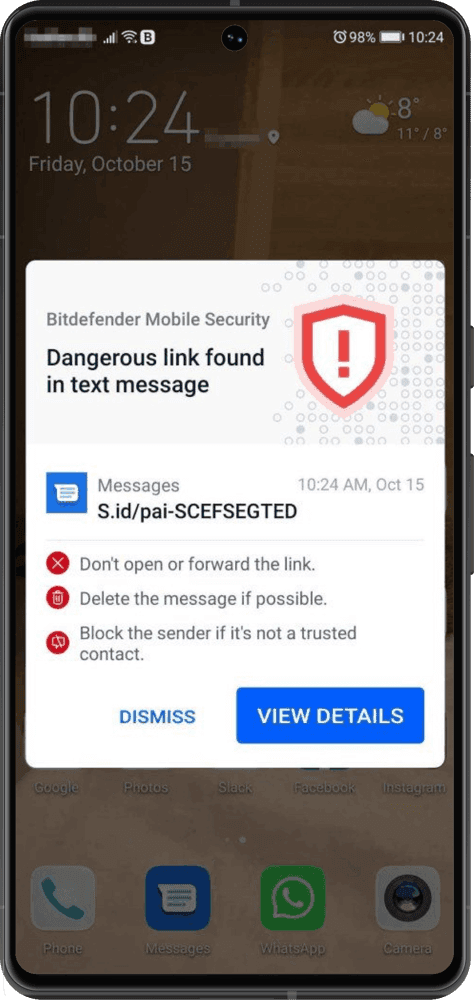
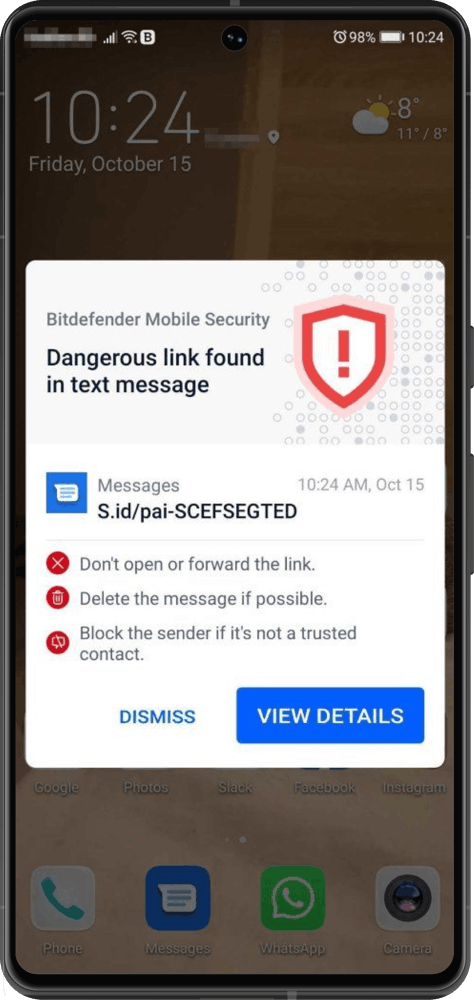
- Web Protection: Blocks fake links, phishing websites, and scam SMS instantly if you accidentally click them—cutting off cybercriminals right from the start.
- Autopilot: A smart assistant that automatically scans for hidden apps and money-stealing malware in real-time.
- Zero Battery Impact: The app operates extremely light. It delivers full, precise scanning without slowing down your phone or draining your battery.
Don't wait until you become a victim to find a fix, because the damage could cost significantly more than the protection. Invest just a few cents a day to confidently secure thousands of dollars in your bank account.
Order genuine Bitdefender Total Security with a special discount here!
ဆက်စပ်ဆောင်းပါးများ
Scam Alert: Fraudsters Impersonate Bitdefender in Fake Job Interviews
ထုတ်ဝေသည့်ရက်: ၂၀၂၅ နို ၂၅
ဆောင်းပါးဖတ်ရန်
CyberSec Vietnam Conference 2024
ထုတ်ဝေသည့်ရက်: ၂၀၂၄ အောက် ၁၈
ဆောင်းပါးဖတ်ရန်
VPN အသုံးပြုခြင်း၏ အရေးကြီးမှု: ကိုယ်ပိုင်စရိတ္တနှင့် လုံခြုံမှုတိုးတက်အောင်အကောင်းမြင်ရန်
ထုတ်ဝေသည့်ရက်: ၂၀၂၄ ဩ ၂၀
ဆောင်းပါးဖတ်ရန်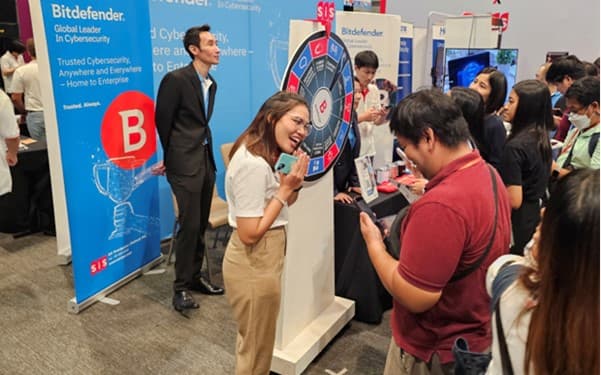
Bitdefender သည် ဘန်ကောက်တွင် ကျင်းပသည့် SIS Technology Showcase 2024 တွင် ရောင်ပြန်လင်းနေသည်
ထုတ်ဝေသည့်ရက်: ၂၀၂၄ ဩ ၁၅
ဆောင်းပါးဖတ်ရန်